Solar Plant Digital Twin Demo — 5 MW PV Plant
A true-to-scale 3D solar plant with a live SCADA panel, running in the browser
Location
Sample site — İzmir, Türkiye
Year
2026
Scope
3D site modelling · Real-time data integration · SCADA interface design · Weather and environment simulation · Web (WebGL) and mobile-ready application · Alarm and notification management
01 · The challenge
Operations teams at solar plants track thousands of modules, inverters, cameras and lighting points through tables and single-line diagrams. Seeing exactly where an alarm lands on site, or which string sits on which table, takes time, and static reports fall short when the plant has to be explained to investors or management. What was needed was a tool that shows the site at its real dimensions, puts live data on the equipment itself and opens on any device without installation.
02 · Our solution
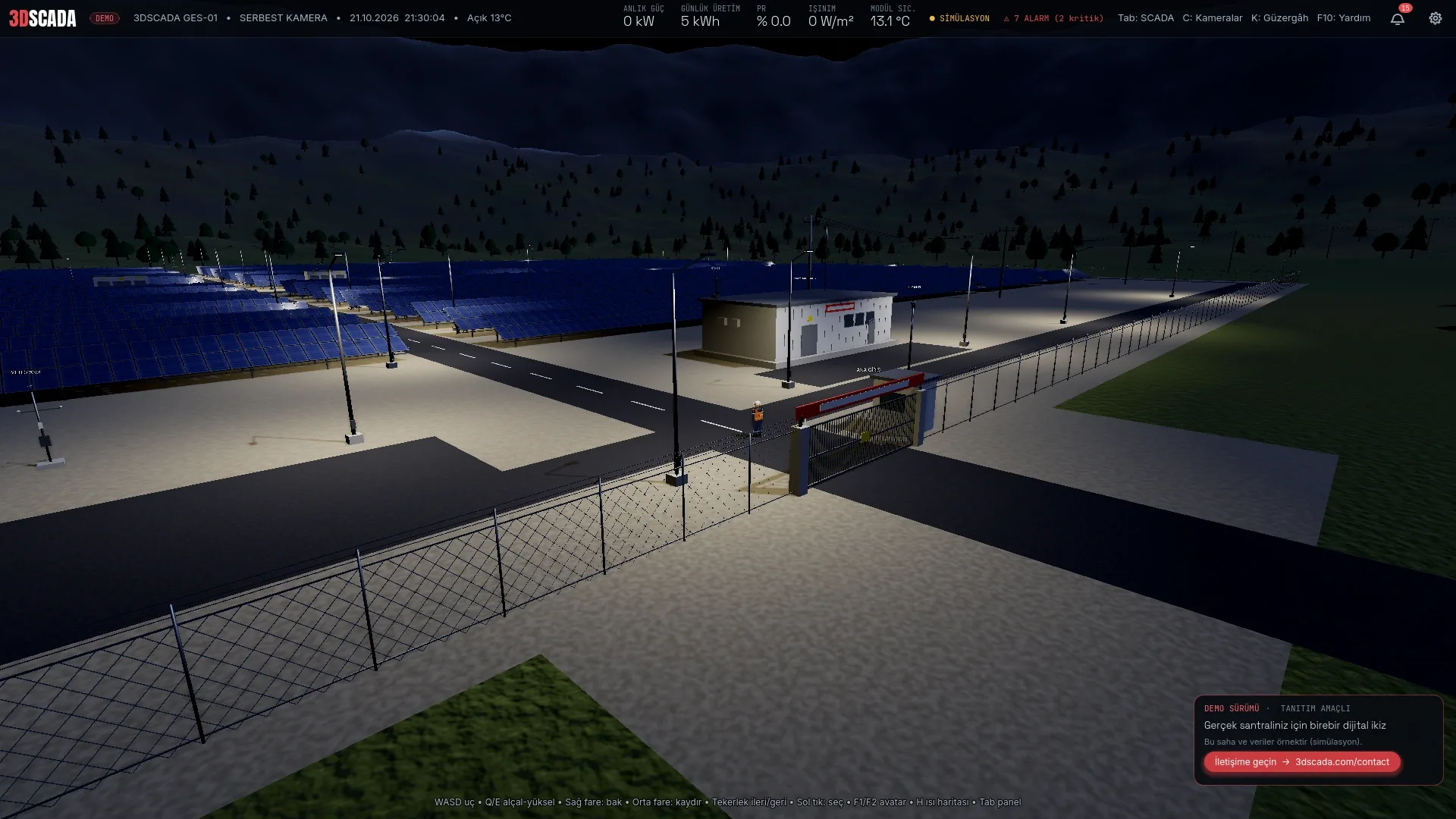
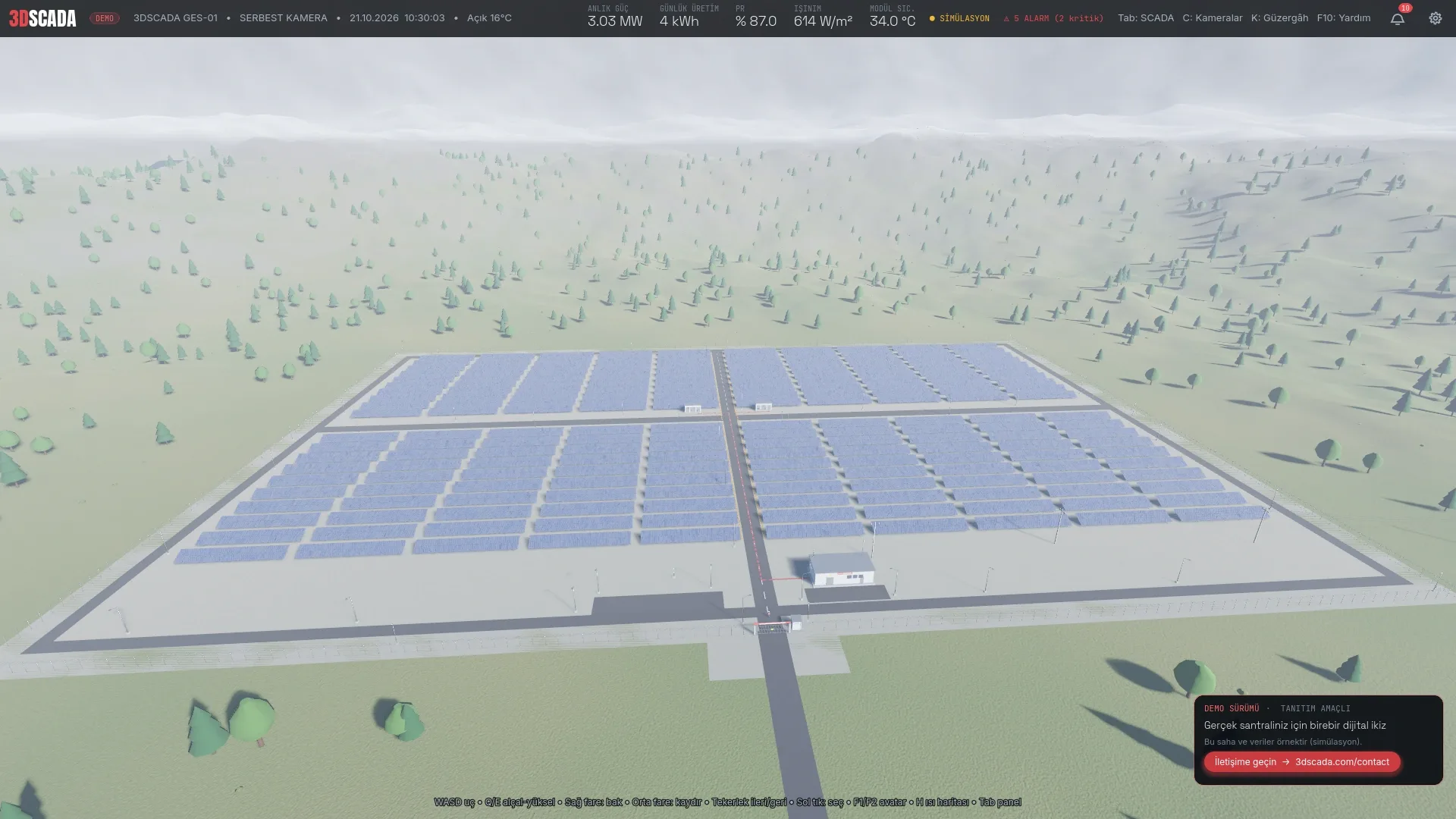
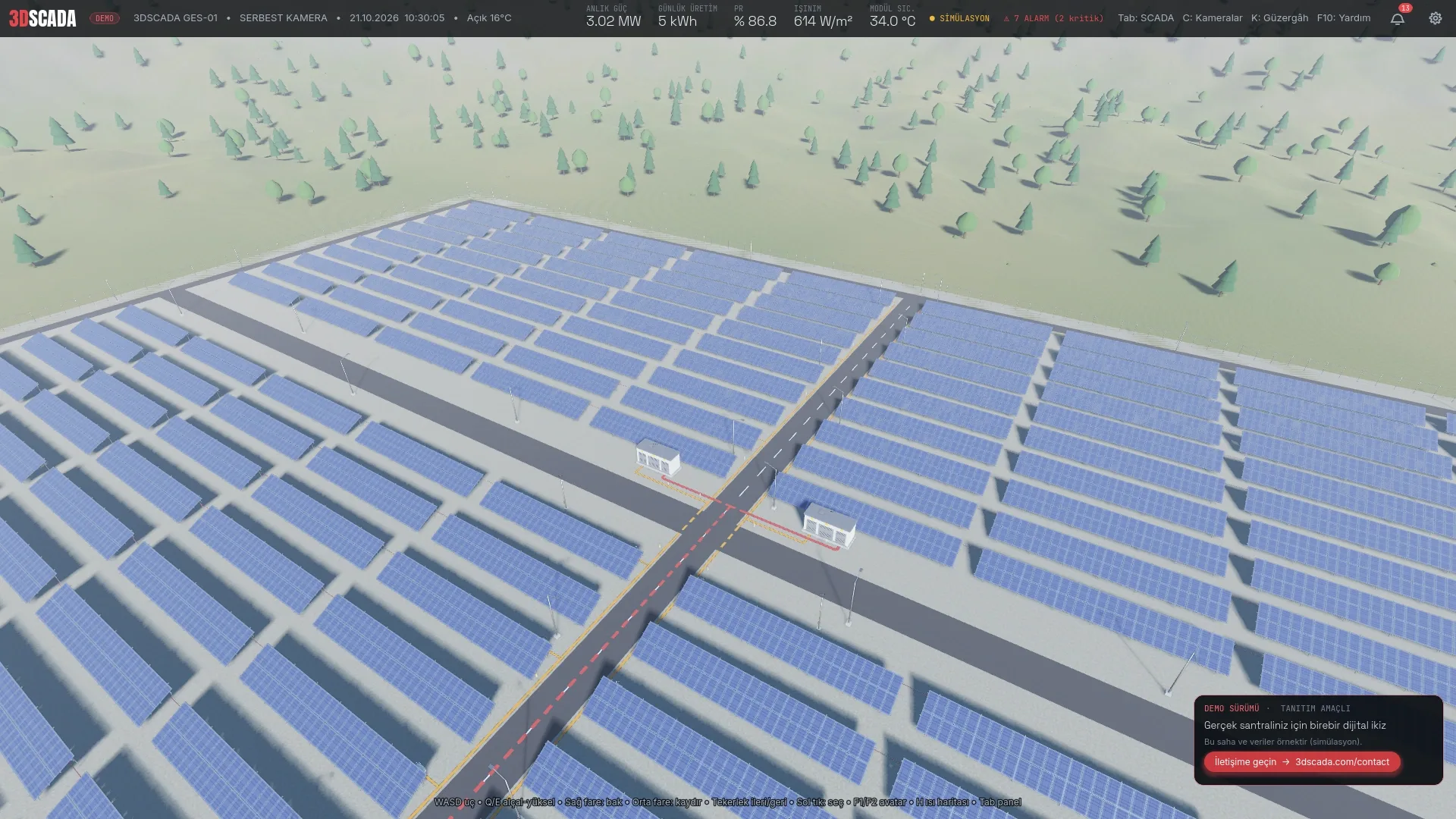
We modelled a sample 5 MW site at one-to-one scale: 200 tables, 10,400 modules, 400 strings, 20 string inverters, two transformer stations, a distribution centre, 43 lighting poles, 12 security cameras, the fence, the gate and the 33 kV overhead line. Every piece of equipment is clickable, with live values, active alarms, specifications and remote commands gathered in a single panel. A single-screen SCADA panel brings together production charts, the alarm list, camera and lighting control. Seven weather conditions (clouds, rain, storm, fog, snow) affect both the picture and the output, and the weather station, five lighting zones and perimeter security are monitored live. The application runs directly in the browser through WebGL, works on touch screens with a virtual joystick and drag-to-look, and offers Turkish and English interfaces. The demo runs on a built-in simulation; on a real plant the same interface connects to live SCADA data over WebSocket.
What is in the demo?
- True-to-scale site: 10,400 PV modules, 200 tables, 20 string inverters, 2 transformer stations, a distribution centre, fence, gate, cameras and lighting, all at their real dimensions.
- Live data: 788 data tags (inverter DC/AC values, string currents, transformer temperatures, weather, security) updated continuously by the built-in simulation.
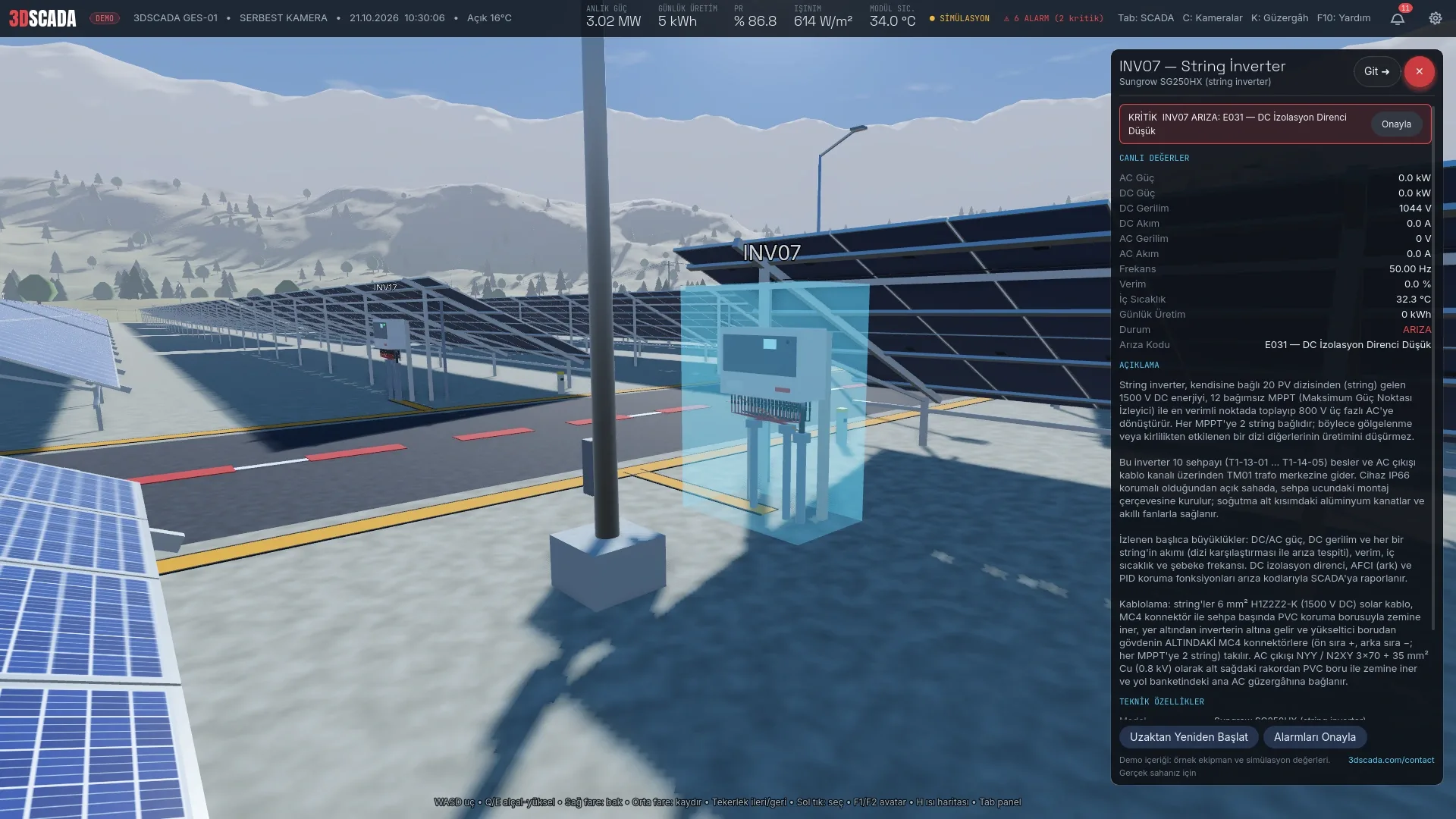
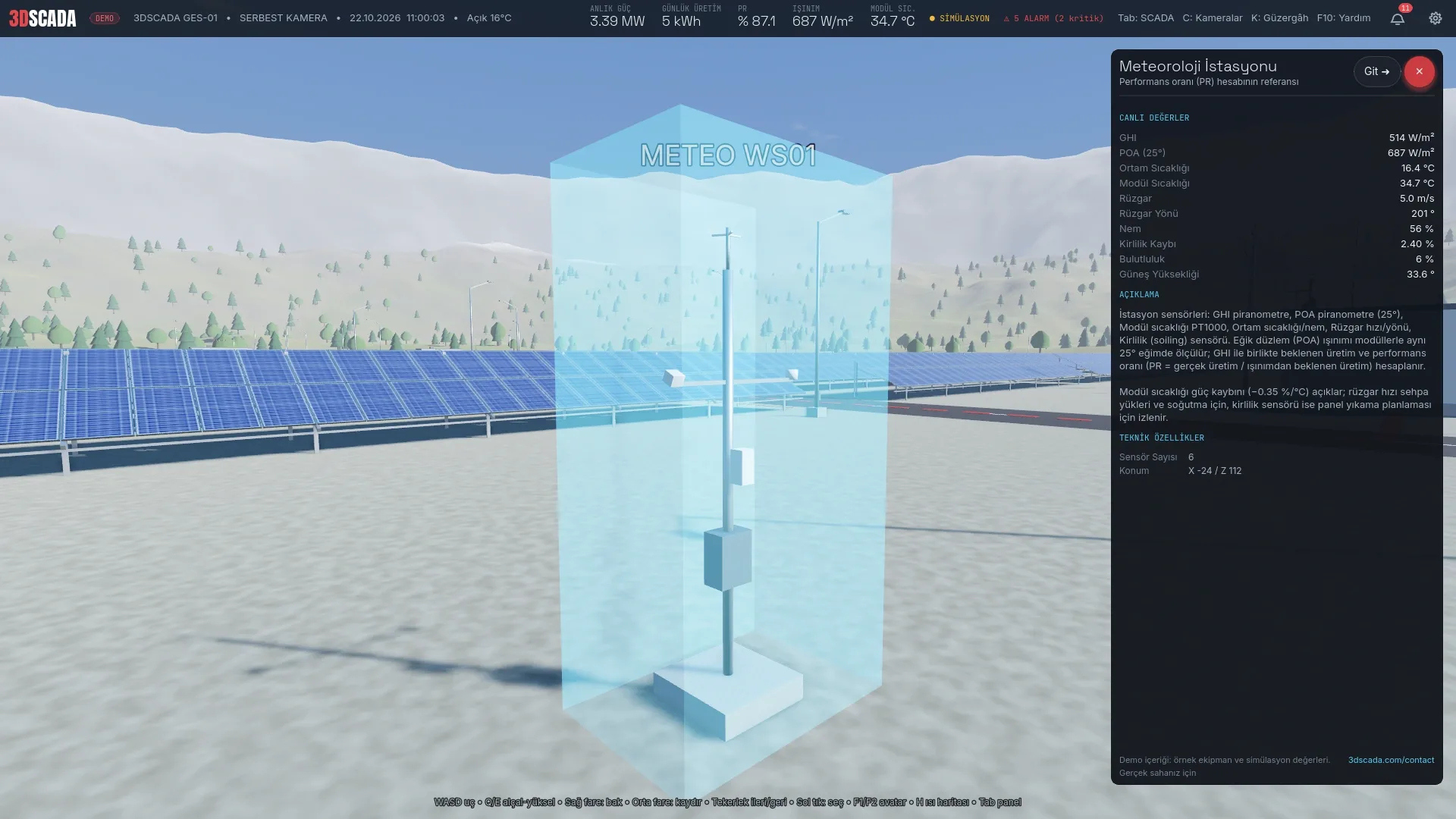
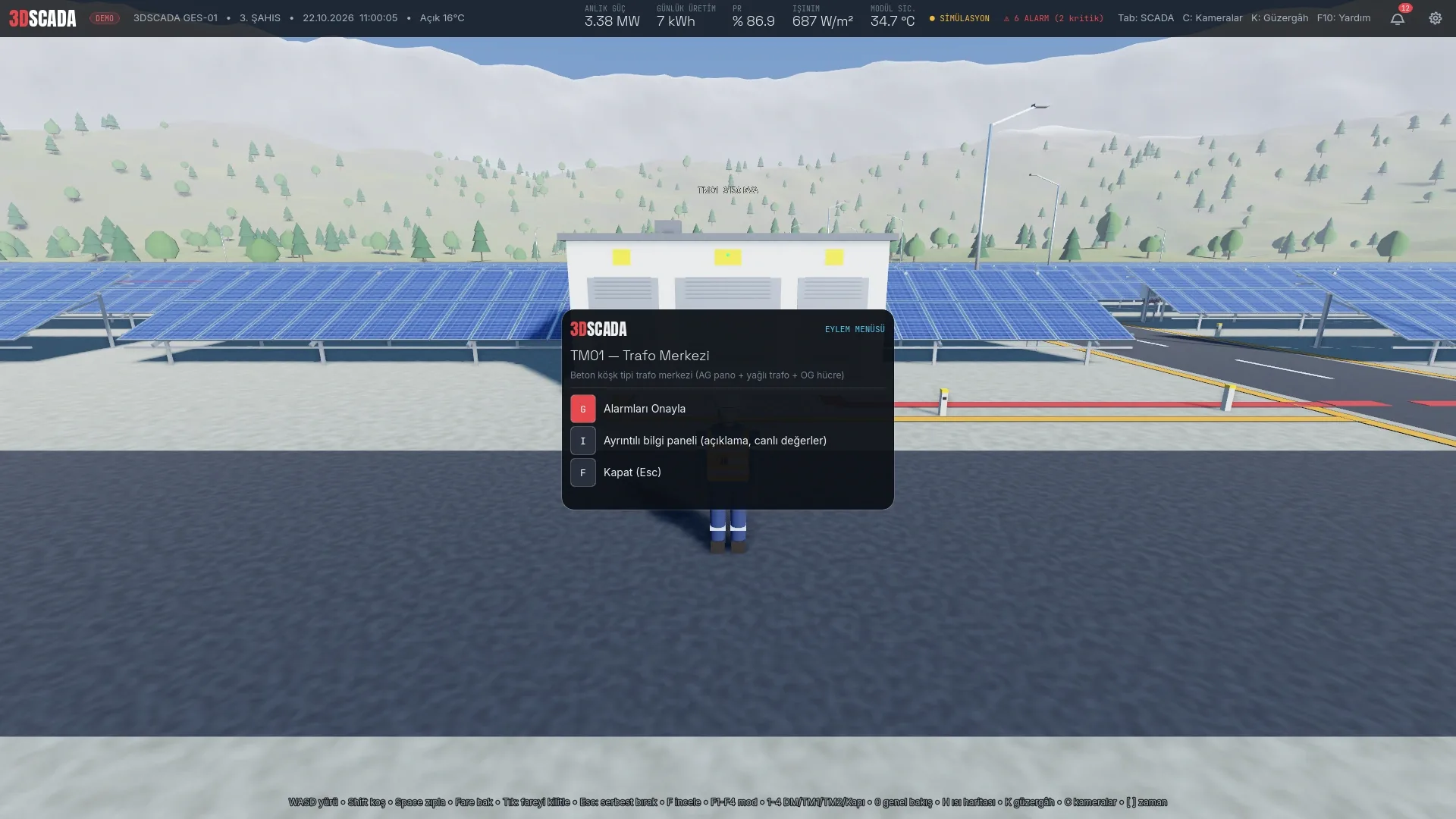
- Equipment panel: live values, active alarms, description, specifications and remote commands (reset, open/close gate, lighting, PTZ) for every piece of equipment you click.
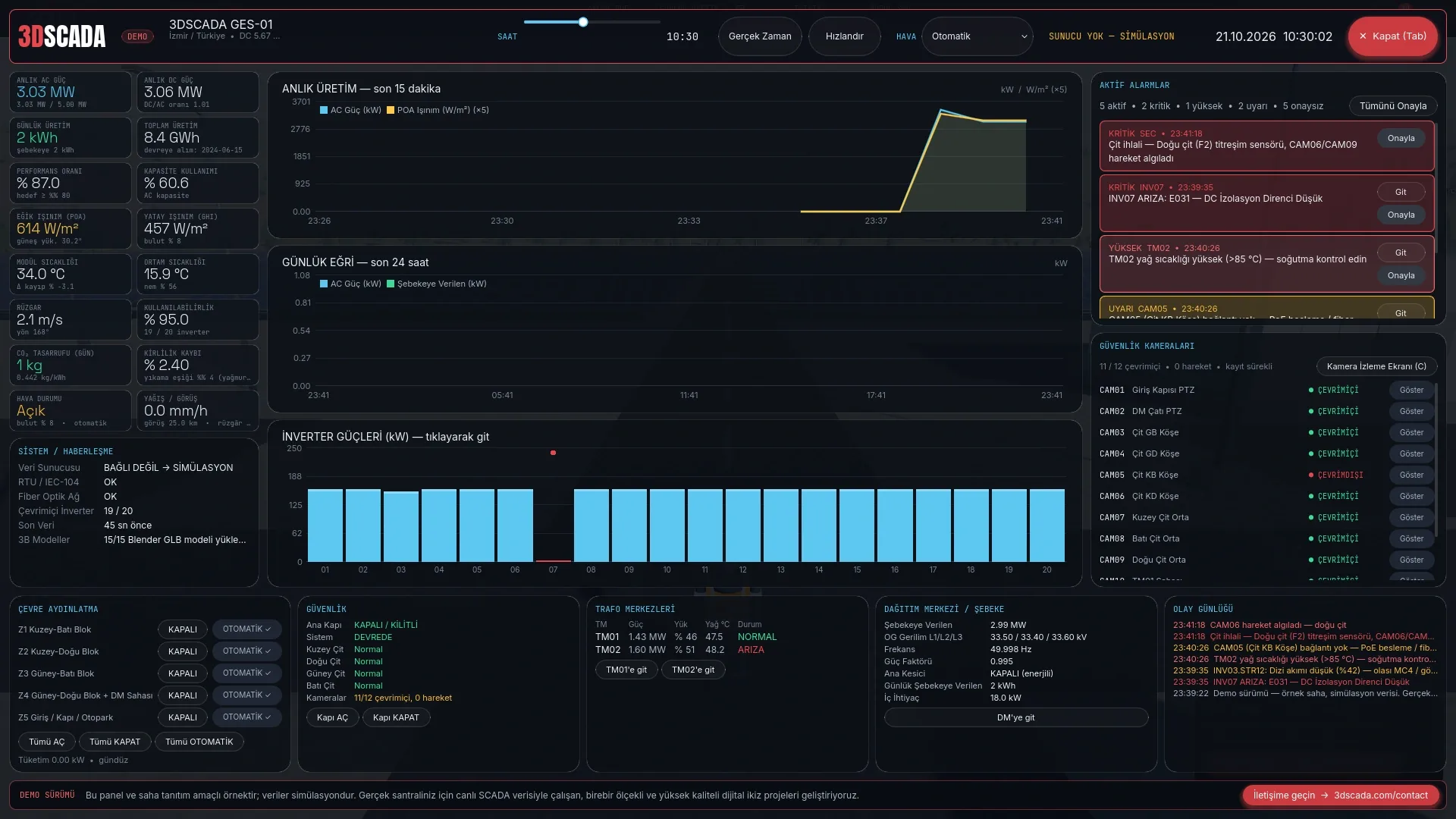
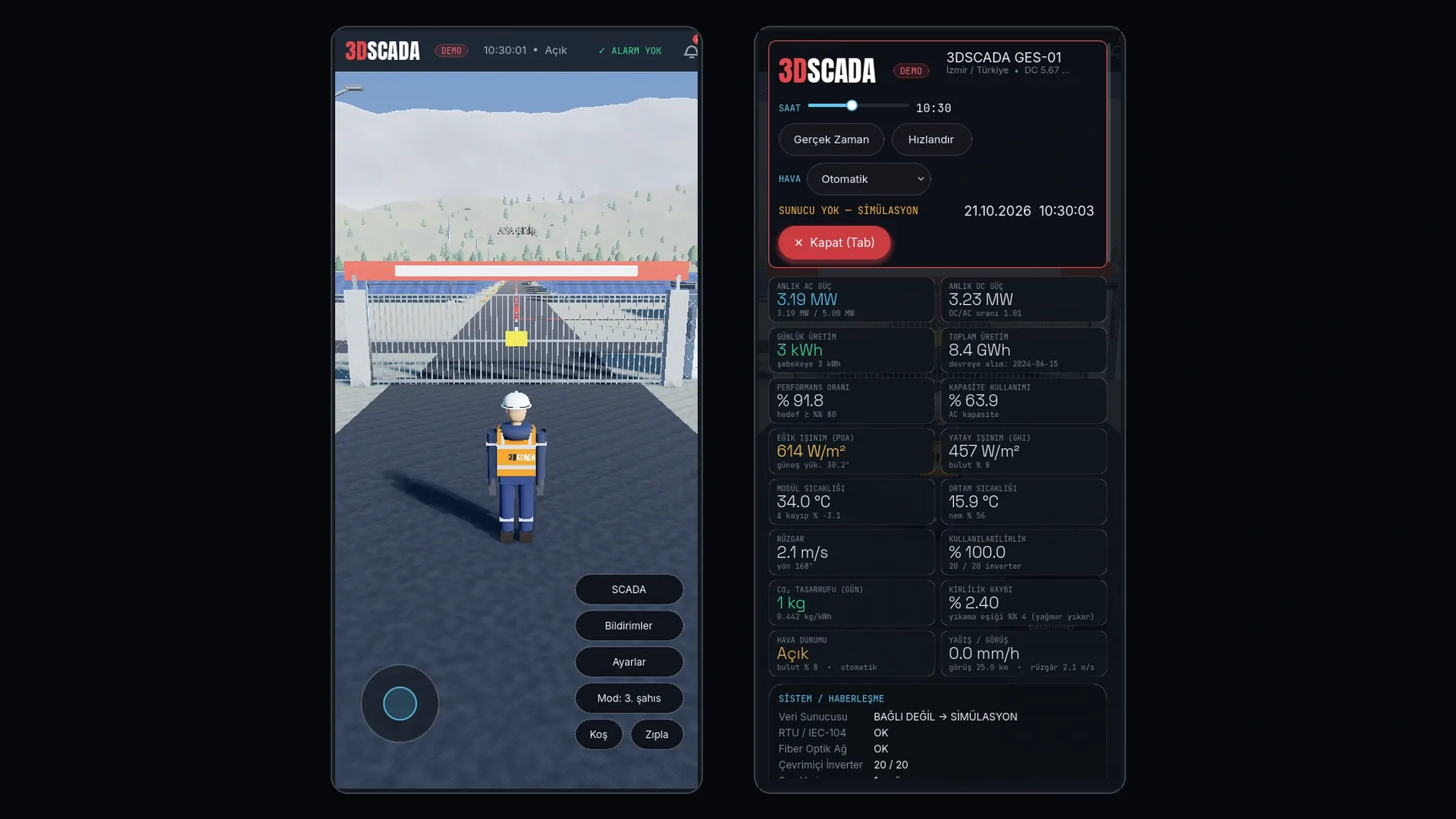
- SCADA panel: live output, daily curve, inverter power, alarm management, camera list, lighting zones and security status on one screen.
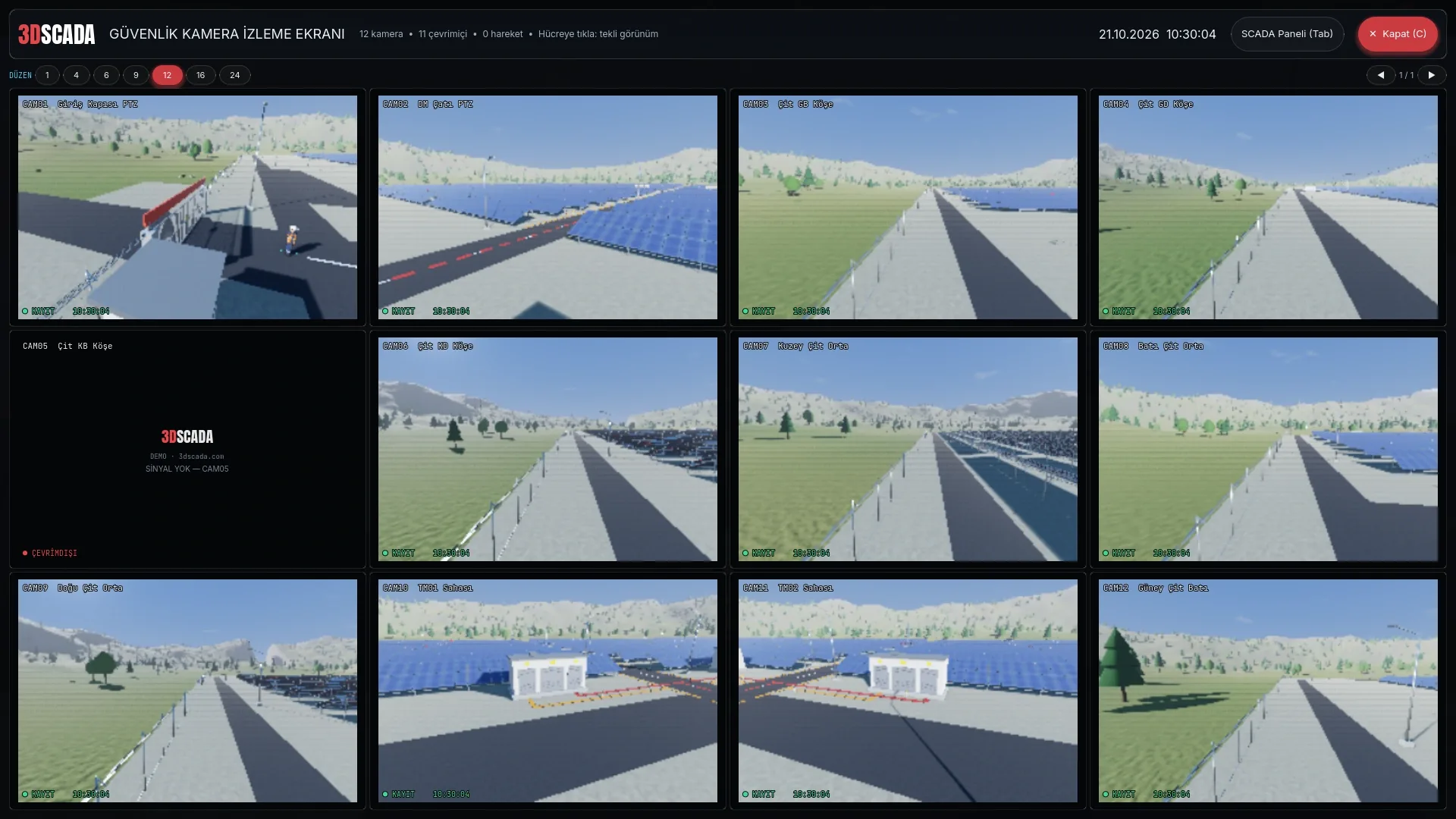
- Camera wall: 12 security cameras, 1- to 24-up layouts, PTZ presets and connection status.
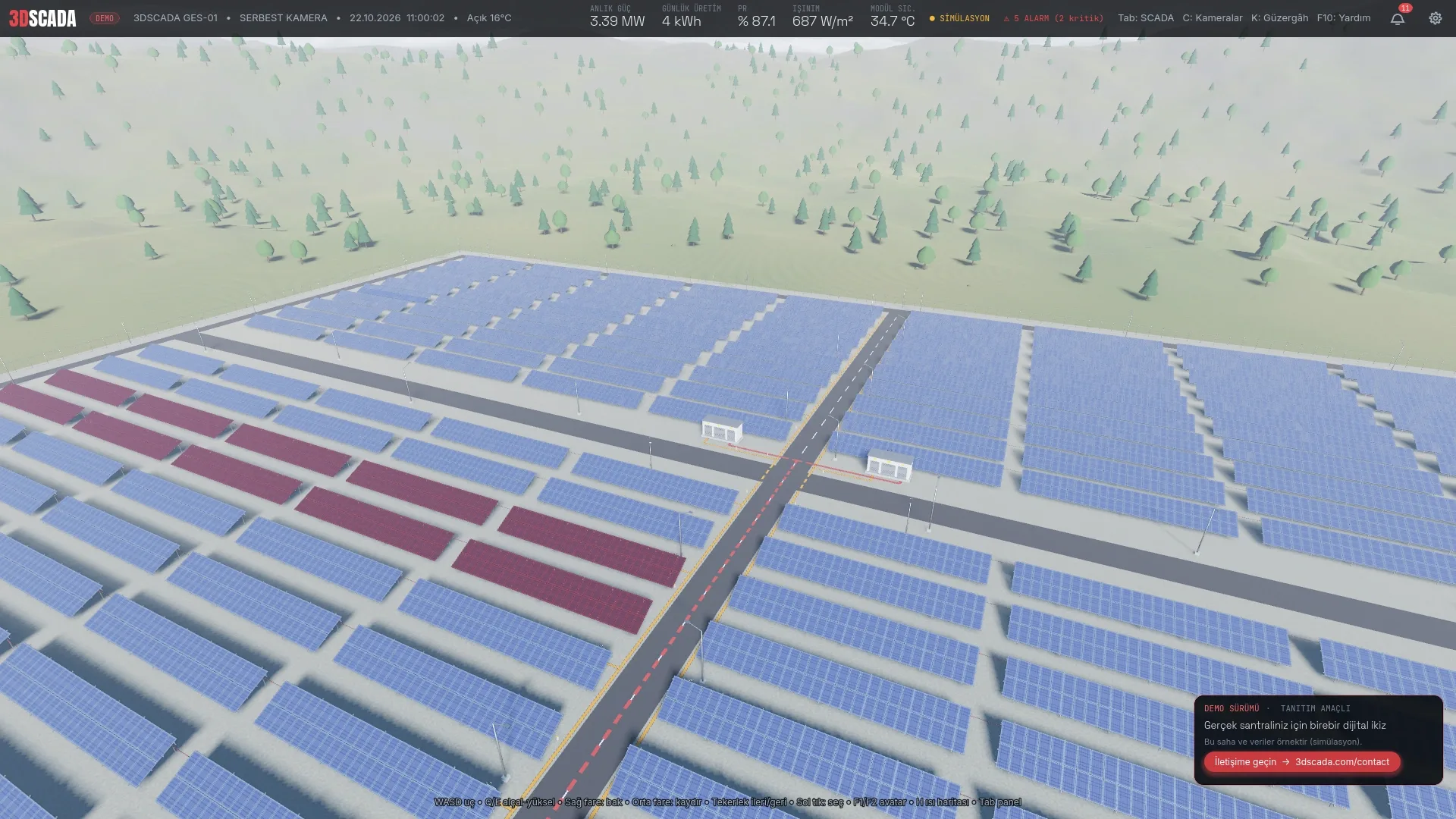
- Heat map and cable routes: modules coloured by string current or temperature; AC and MV underground routes shown with a single key.
- Day cycle and time: sun and moon position tied to real time, sunrise and sunset colours; a time slider and acceleration up to 1024×.
- Lighting and security: 5 lighting zones (automatic/manual) with 43 LED luminaires; vibration sensors on 4 fence zones, camera motion detection, gate open/close and a guard house.
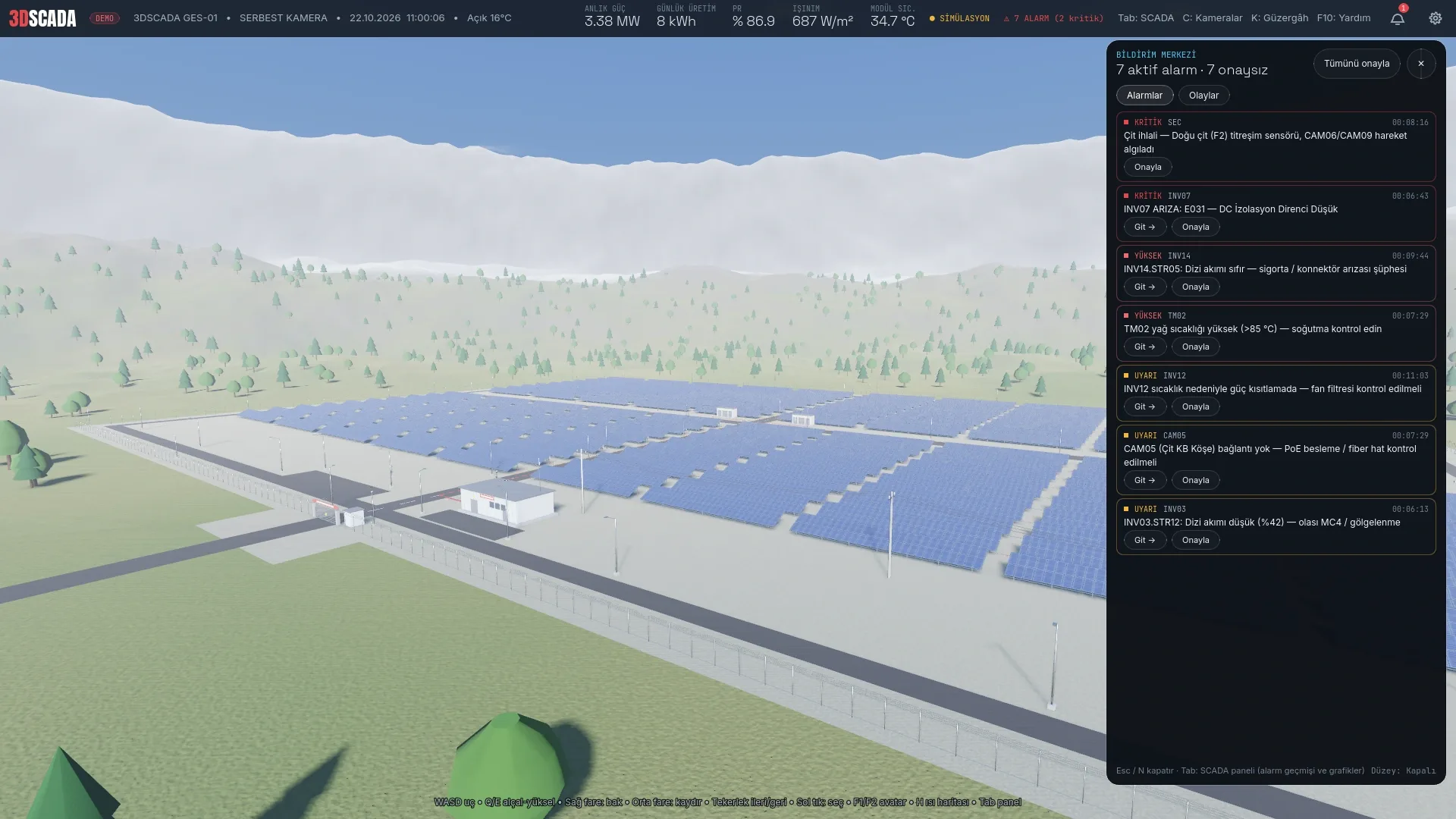
- Notification centre: critical / high / warning / info levels; critical alarms stay on screen until acknowledged; event log, filters and go-to-equipment.
Weather and environment simulation
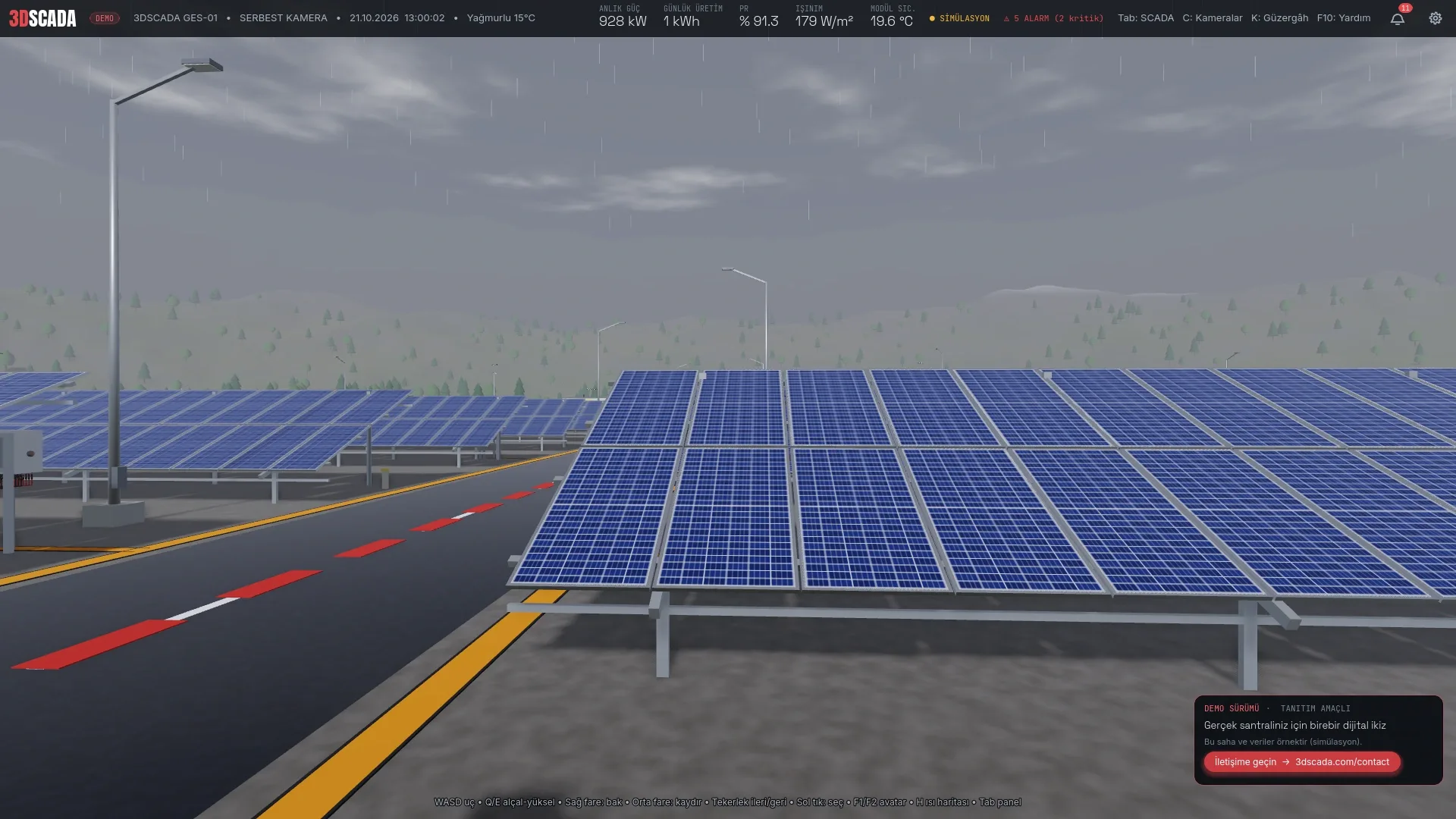
The site reproduces seven weather conditions: clear, partly cloudy, cloudy, rain, storm, fog and snow. The weather changes on its own with realistic transition probabilities, and any condition can be applied instantly from the Weather selector on the SCADA panel. Every condition has both a visual and an electrical effect:
- Clouds: a cloud layer drifting with the wind; as cover increases, GHI/POA irradiance and output fall, ambient temperature drops and humidity rises.
- Rain: wind-blown rain particles and wet, reflective surfaces; rain washes down the soiling loss on the modules, and precipitation is tracked in mm/h.
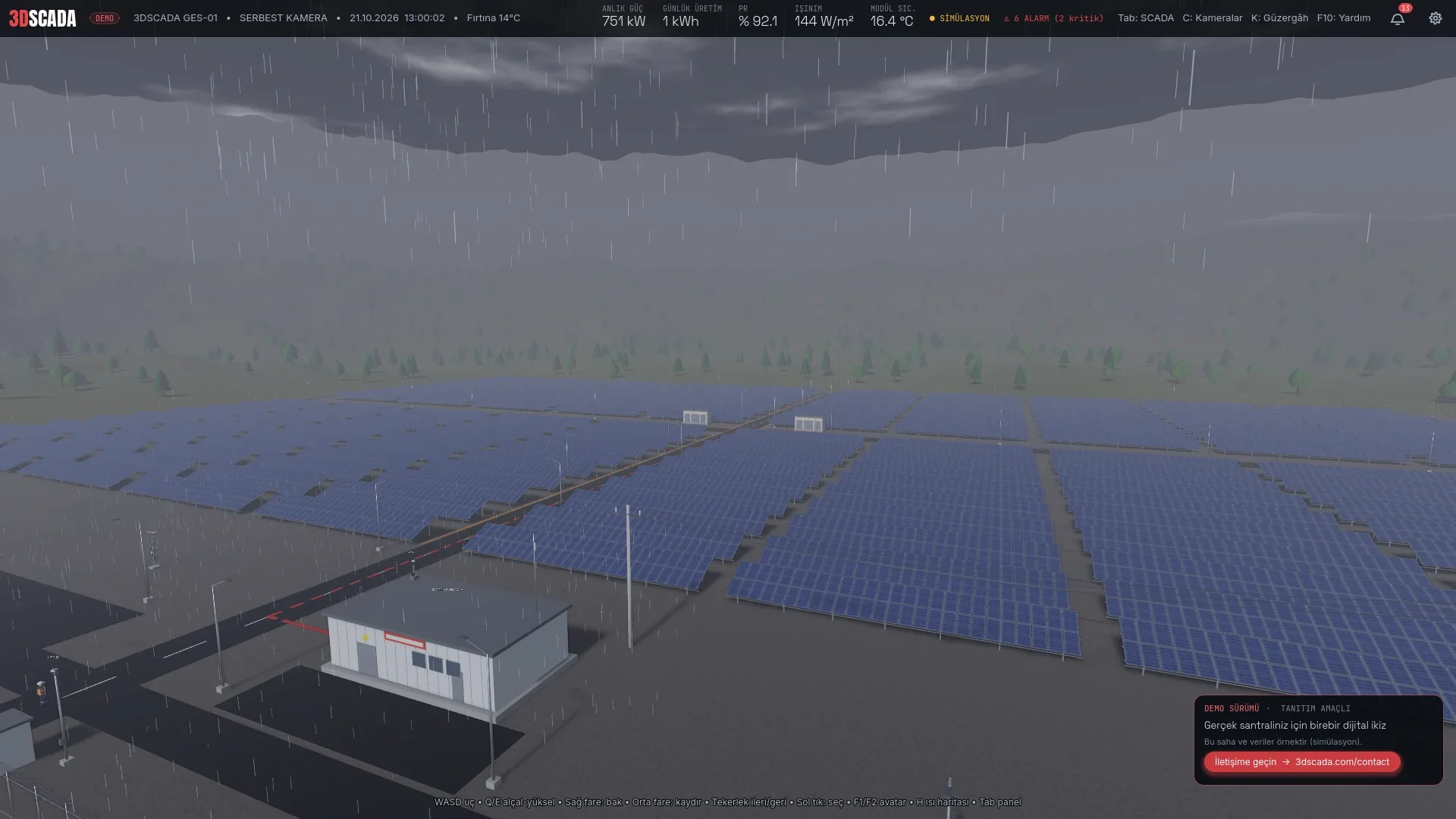
- Storm: 15–24 m/s wind, darkened sky and lightning flashes; a storm warning alarm is raised on site.
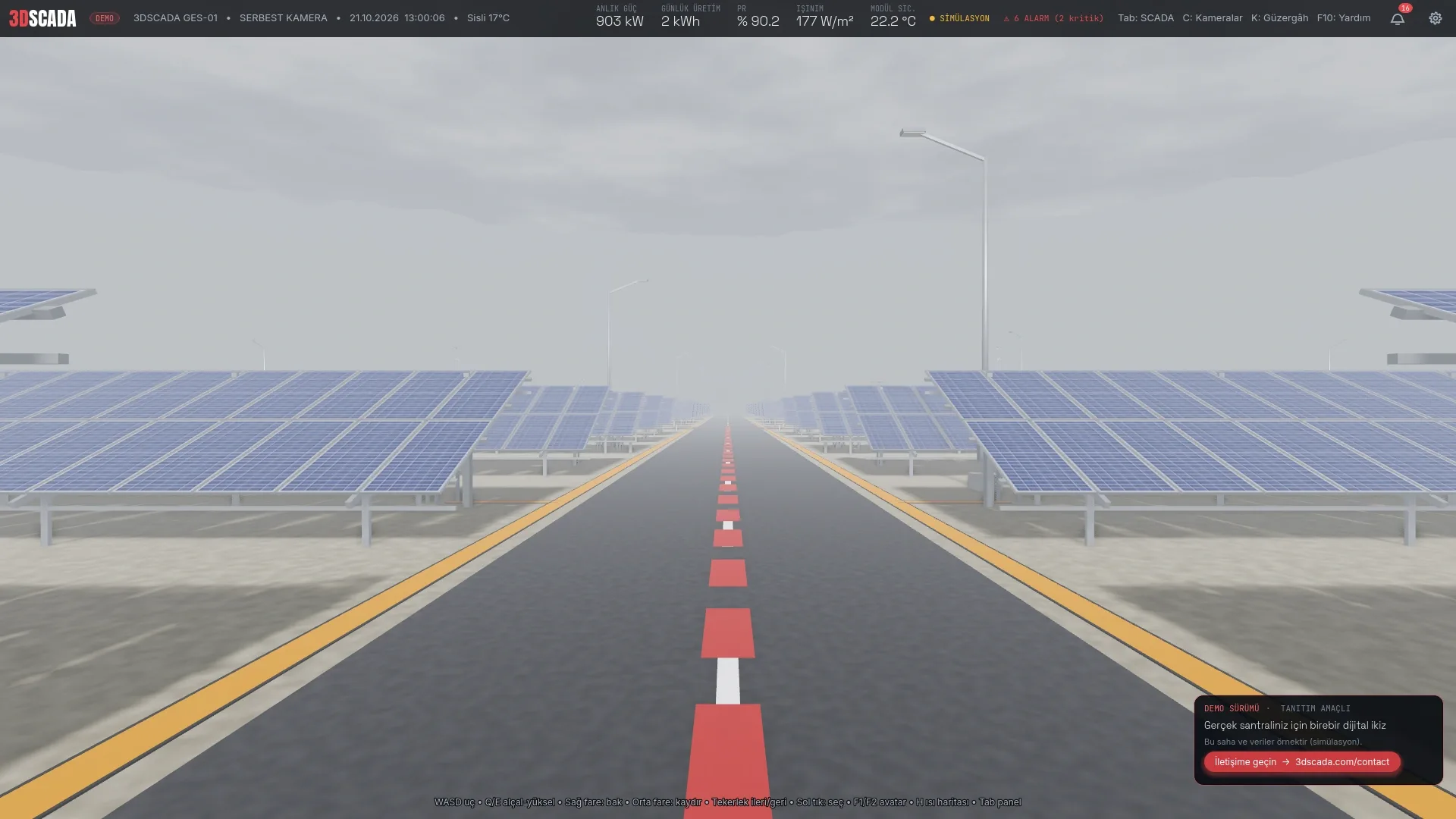
- Fog: visibility drops to 250 m, irradiance is halved and wind dies down; depth fog hides distances on site.
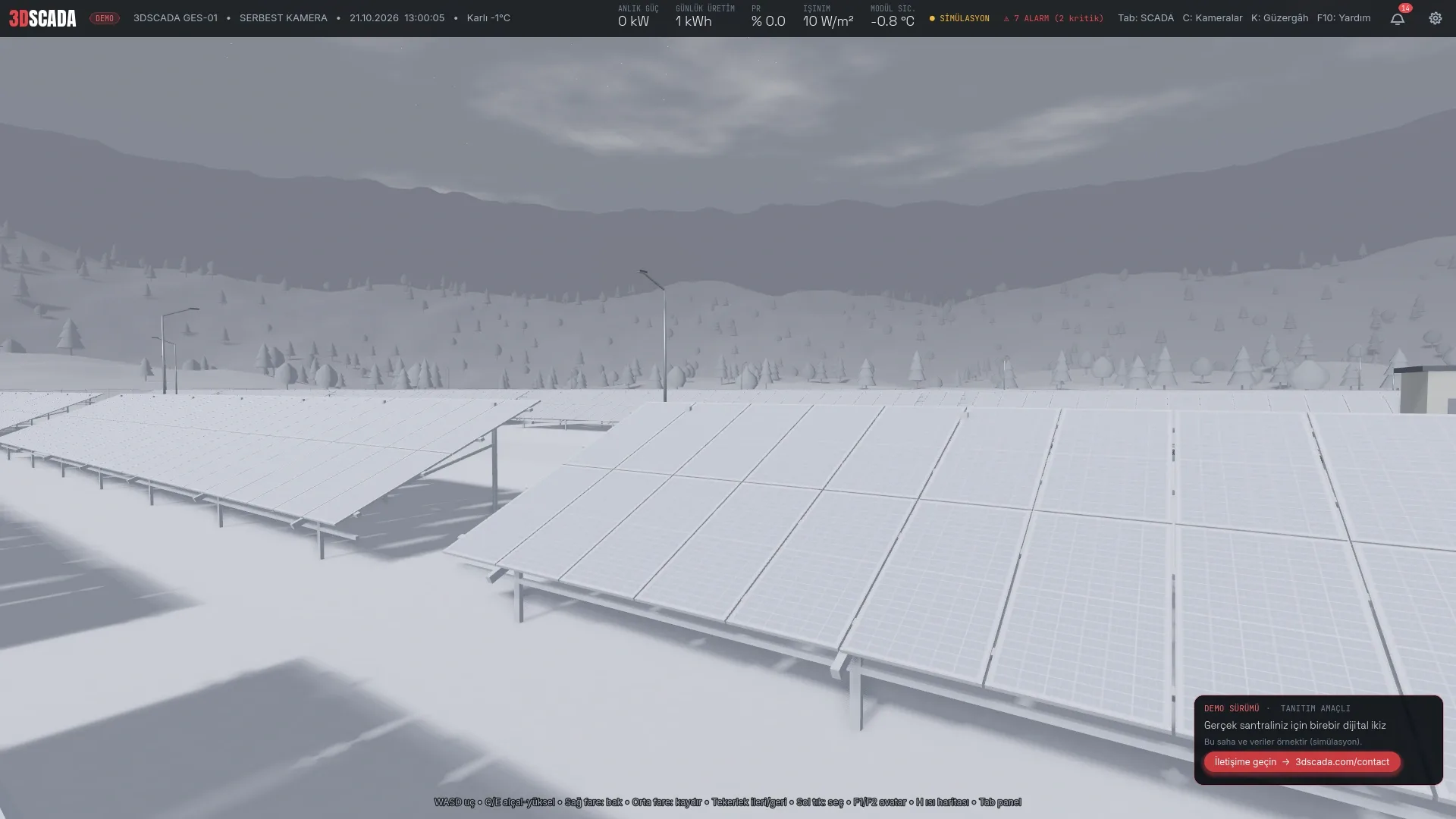
- Snow: snowfall accumulates in centimetres on modules and ground, cutting output by up to 95%; it melts once the temperature exceeds 1 °C.
- Wind: speed and direction read from the anemometer; it drives the clouds, the precipitation and module cooling.
- Module temperature: an NOCT-based model — heated by irradiance, cooled by wind; the temperature loss (Δ) is shown on the SCADA panel.
All of these quantities are exposed as live tags of the on-site weather station (GHI and POA pyranometers, anemometer, temperature-humidity sensor); performance ratio (PR), capacity factor, availability, soiling loss and daily CO₂ savings are calculated from them.
Controls
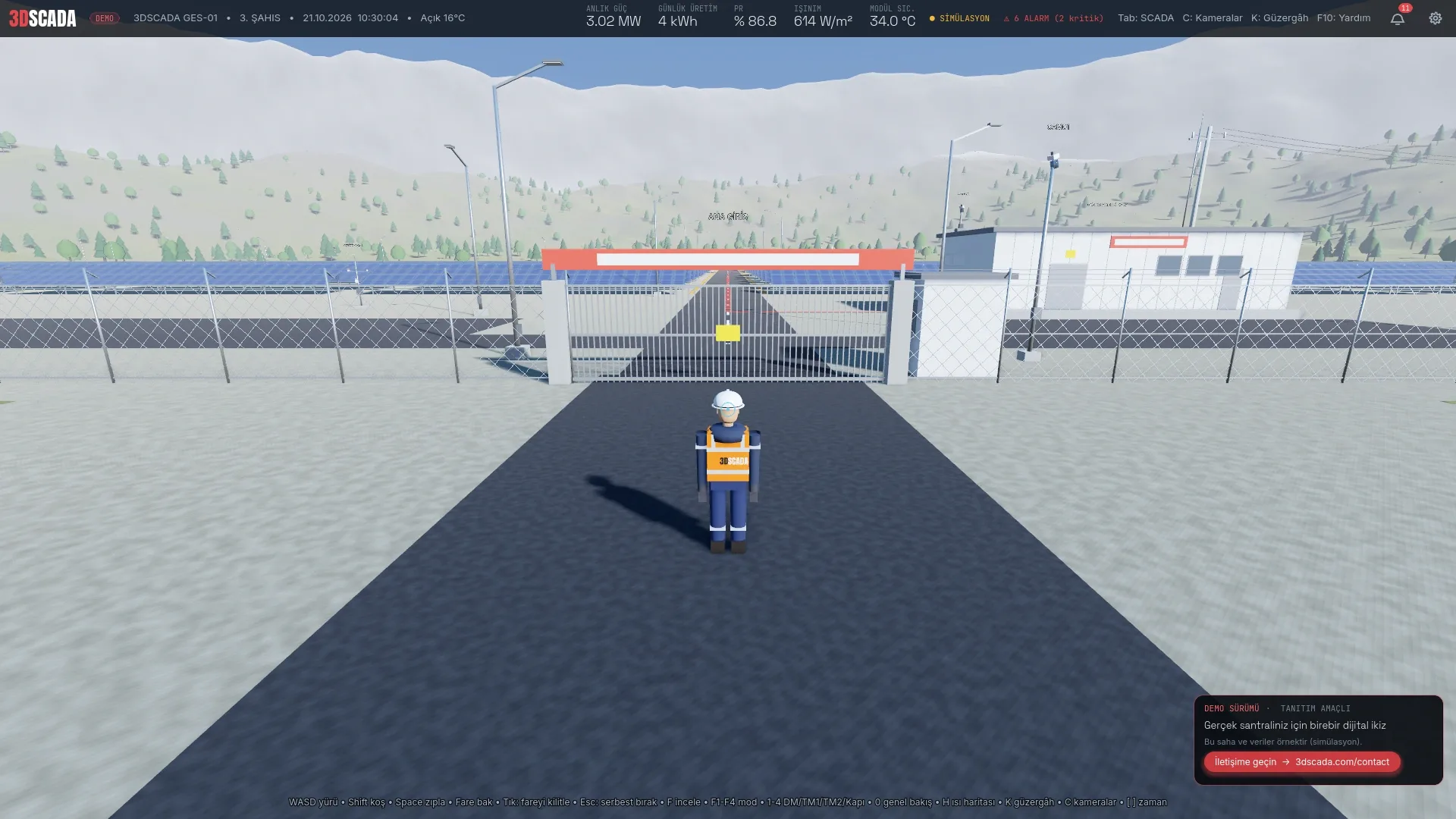
On desktop, walk with WASD, look with the mouse and click equipment to inspect it; F opens the action menu for the targeted equipment, Tab the SCADA panel, C the camera wall, N the notification centre, K the cable routes, H the heat map; 1–4 jump to the distribution centre, transformer stations and gate, F1–F4 switch between third person, first person, free camera and VR, F8 settings, F10 help, F11 quality. On touch devices, move with the virtual joystick in the lower left, drag on empty space to look around and pinch to zoom; SCADA, notifications and settings sit on the buttons in the lower right.
Technology
The application runs in the browser on WebGL 2 and WebAssembly, and natively on desktop (Vulkan, with optional VR through OpenXR). Thousands of pieces of equipment are drawn through chunked multi-mesh batches with distance-based levels of detail; four quality presets are available (Ultra: full detail across the site, 700 m shadows, shadow-casting luminaires) and the web version steps down automatically when the frame rate drops, with a performance overlay showing FPS, frame time and draw calls. The settings panel keeps language, 3D labels, notification level, touch controls and mouse sensitivity. On a real plant, data is collected from SCADA/PLC systems (Modbus, IEC 60870-5-104, OPC UA) and streamed to the same interface over WebSocket; the data schema and a test server are delivered with the project, and if the connection drops the interface falls back to the built-in simulation and says so on the panel.
This application is a demonstration: the site is a sample and the data is simulated. We build one-to-one digital twins for real plants.
Video
Project video
Features
Key capabilities
- True-to-scale 5 MW site: 10,400 modules, 20 inverters, 2 transformer stations
- 788 live data tags: inverter, string, transformer and weather data
- Single-screen SCADA panel: charts, alarms, commands
- 12 security cameras, PTZ presets, 1- to 24-up camera wall
- Alarm and notification centre; critical alarms require acknowledgement
- DC string cabling, AC/MV underground routes, heat map
- 7 weather conditions: clouds, rain, storm, fog, snow — affecting output and visuals
- Weather station: irradiance, wind, temperature, humidity, snow cover, soiling
- Real-time day cycle with 5-zone night lighting
- Perimeter security: fence vibration sensors, motion detection, gate control
- Action menu: remote commands such as reset, gate, lighting and PTZ
- Runs in the browser; touch controls on phones and tablets
- Turkish and English interface
16 images
Gallery
Outcomes
- PV modules at one-to-one scale
- 10,400
- AC capacity (5.67 MWp DC)
- 5 MW
- live data tags
- 788
- weather conditions affecting output
- 7
- languages: Turkish / English
- 2
Services
Related services
FAQ
Frequently asked questions
Is the data in the demo real?
No. The demo runs on a built-in simulation: production, alarms and weather are realistic but sample values. On a real plant the same interface connects over WebSocket to data collected from the SCADA/PLC system; the data schema and a test server are delivered with the project.
Can you build a one-to-one digital twin of my plant?
Yes. Your site is modelled at its real dimensions from the layout plan, electrical drawings and equipment list, and inverters, transformers, cameras and lighting are connected to live data through Modbus, IEC 60870-5-104 or OPC UA. It can run alongside your existing SCADA or replace its operator interface.
Which devices and browsers does the demo support?
Current versions of Chrome, Edge, Firefox and Safari with WebGL 2, on Windows, macOS, Android and iOS. A computer with a dedicated graphics card gives the best result; on phones and tablets the quality preset adapts automatically and touch controls are enabled.
What exactly is modelled on the site?
PV modules and tables, string inverters and DC cabling, AC and MV underground cable routes, transformer stations, the distribution centre, the 33 kV overhead line, the perimeter fence, the main gate, security cameras, lighting poles, the weather station and the surrounding terrain, all at real dimensions.
How does the weather affect the plant?
Seven conditions (clear, partly cloudy, cloudy, rain, storm, fog, snow) change both the picture and the electrical values: cloud cover lowers irradiance and output, rain wets the surfaces and washes soiling off the modules, snow cover cuts output by up to 95% and melts as it warms, a storm brings wind and lightning together with a warning alarm, and fog cuts visibility to 250 m. Module temperature is computed from irradiance and wind. The weather changes on its own or can be selected from the SCADA panel.
Is there a desktop or VR version?
Yes. The same application runs natively on Windows at a higher quality level (full shadows, reflections, every luminaire lit) and supports walking the site in VR with OpenXR-compatible headsets.
Projects
Other projects
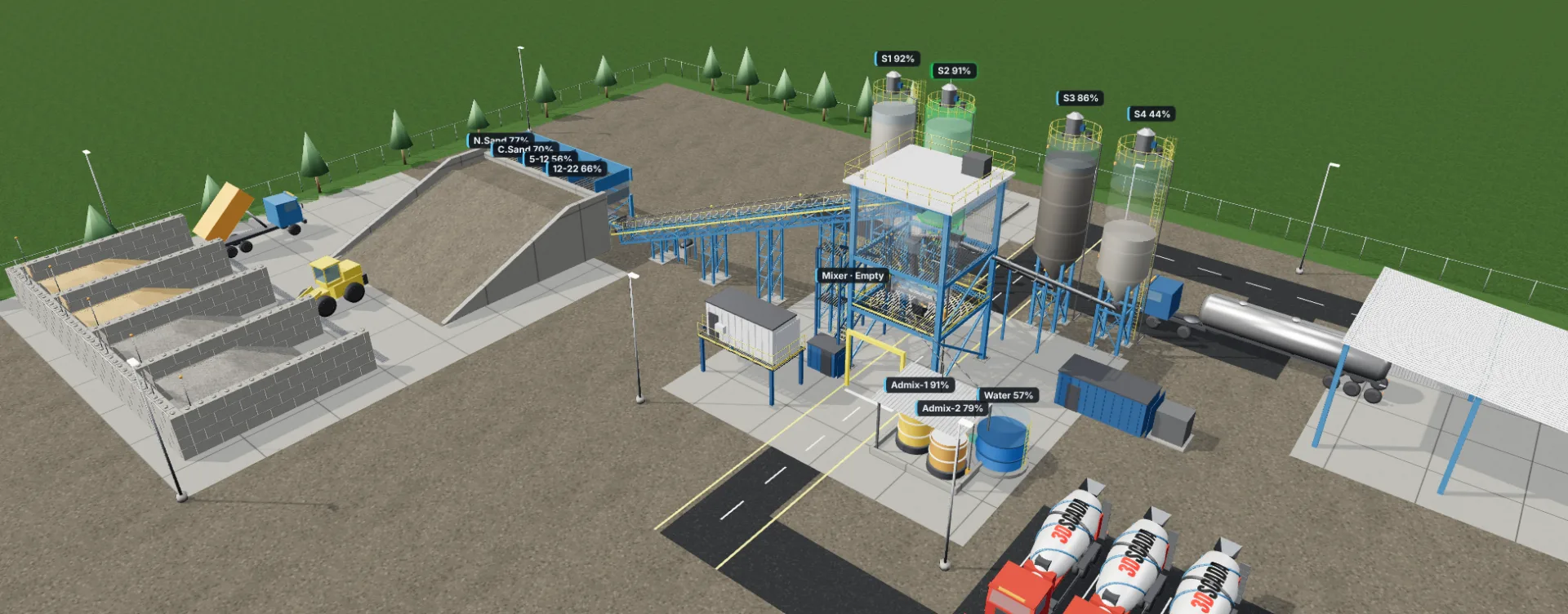
3D Concrete Plant
A SCADA that runs an entire concrete batching plant from a 3D digital twin, from recipes and batching to dispatch and stock forecasting. Try the live demo, no installation needed.
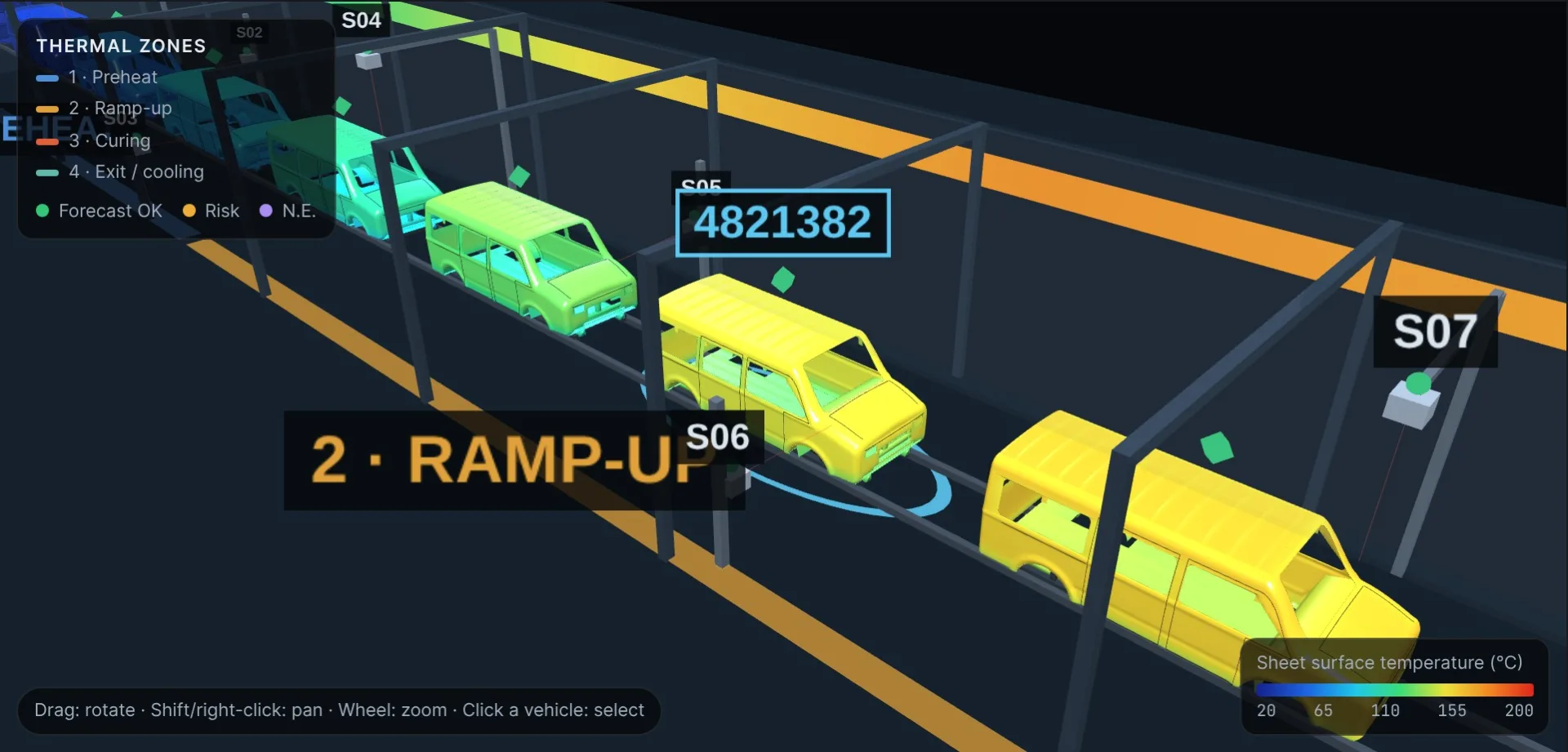
Online Thermogram Monitoring
Instead of profiling a handful of sample bodies with Datapaq, the system builds a thermogram for every vehicle within 60 seconds of oven exit and reports the verdict to the PLC.
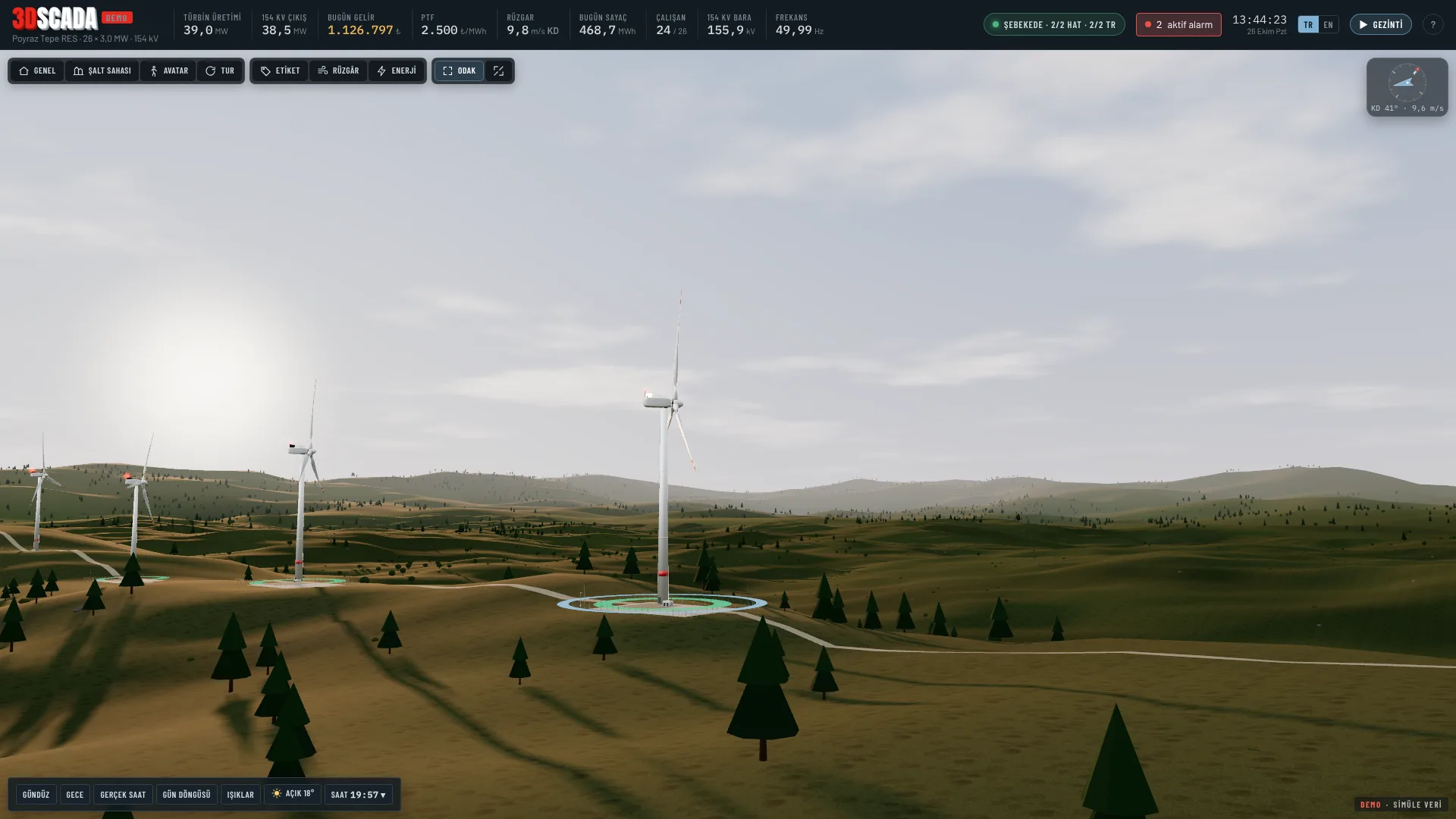
Wind Farm 3D SCADA
A SCADA demo that lets you monitor and operate a wind farm in 3D, from inside the nacelle to the grid connection. Day and night, rain, snow, fog and storms all affect the plant realistically.
Ready to bring your project to life?
Contact our expert team and discover your custom solution.